The Mom Weekly, Volume 133: February 24, 2025
You can read this, or any other previous Mom Weeklies, by going to the home page here.
Notes:
I have a Lenten-related series of posts, but that series is not ready yet. Fortunately, we had a discussion about artificial intelligence at book group on Saturday, and the info seemed helpful to share! I guess I could start a new featured called “Mom’s Occasional Tech Advice.” 🙂
Remember how much I love you,
Mom
How to Turn Off AI in Search Results
Did you know that it is actually impossible to turn off AI search results in Google search? (This may be one of the reasons that Google had a zillion ads during the Olympics about the AI search results, urggh.)
But there are workarounds.
1. Filter to “Web”
This only works after you search for something. In the search results, at the top of the screen are options such as “images,” “shopping”, “videos”, and similar.

If you click on the “More” tab, a drop down box will offer several options, including “Web.” If you click on that, only websites will show up as search results. It does take that extra step, but it is worthwhile if you want to get straight to good results.

2. Change Search Engines
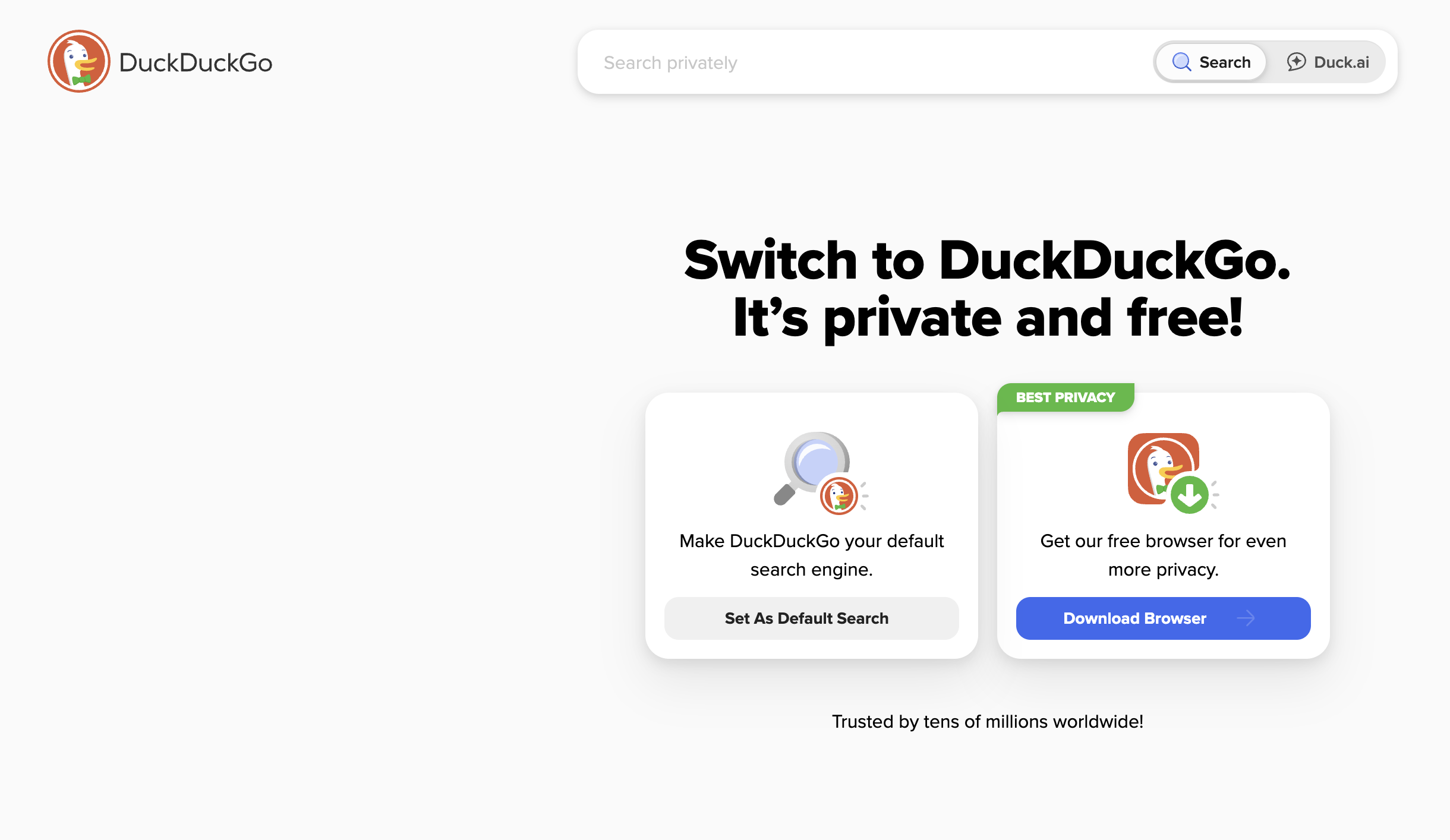
You could change to another search engine, such as Duck Duck Go or Firefox.
When I checked out Duck Duck Go recently (though I’ve known about for years but for some reason have not moved over to using), the search results also show AI results at the start.

But…. you can immediately and always turn that off.

Interesting/Notable:
This Cal Newport podcast about artificial intelligence is relevant to this week’s topic. It is well worth a listen.
Is AI Reporting Broken? –Deep Questions with Cal Newport
Newport is a computer science professor at Georgetown, as well as a productivity guru (Slow Productivity and Deep Work are two of his books). So he knows what he is talking about with AI.